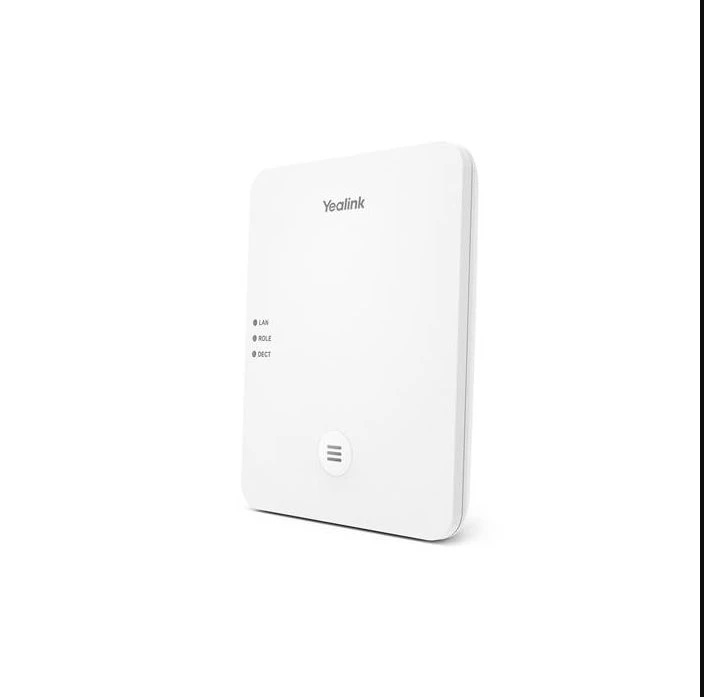
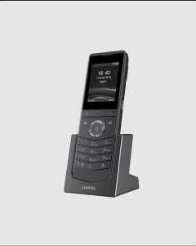
Yealink W80DM requires at least one W80B base station, and can connect to up to 30 W80B base stations. PoE compatible; power supply 5V 1.2A not included.
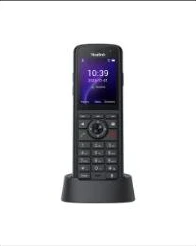
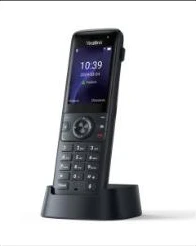
The Yealink W80 cordless DECT IP Multi-Cell System, consisting of two elements -- a base station W80B and a DECT Manager W80DM -- is designed to provide organizations that require wireless coverage with full ease of deployment. This DECT multi-cell system creates an extremely scalable and reliable solution for organizations of any size and shape. The system supports up to 100 handsets and 100 simultaneous calls, ensuring one call per handset while eliminating the limited wireless coverage of a single base station. The system works with Yealink W53H, W56H, CP930W, and DD Phone with seamless roaming and handover of calls, enabling free mobile communication in and between zones. Both W80B and W80DM combine a modern, compact design with Yealink HD voice quality, wrapped with full-duplex technology and Opus for an elaborate audio experience.
Key Features and Benefits:
Security & Stability: Based on Yealink DECT technology, the W80 DECT IP Multi-Cell System provides stable calls and seamless roaming and handover. Wireless data transmission over-the-air is protected by DECT encryption, preventing eavesdropping on conversations. TLS and SRTP play a pivotal role in secure SIP communication. The powerful Grayscale Upgrade feature means that when one handset is upgraded, other handsets are unaffected, and the whole system continues running safely and stably.
Advanced DECT Contacts: When a call comes in, the receiver can see caller information -- including caller number and caller name -- on the phone screen rather than just a row of digits. Better compatibility with several PBX platforms makes contacts from different platforms reachable on the W80 DECT IP Multi-Cell System, such as Xsi directory and XML contacts. LDAP and Remote Phonebook are also supported.
Efficient Provisioning & Unified Management: The W80 DECT IP Multi-Cell System inherits Yealink's powerful Auto-p mechanism from the W60B, enabling efficient provisioning and effortless mass deployment via Yealink's Redirection and Provisioning Service (RPS) and auto provisioning. The entire multi-cell system can be configured and managed via the DECT Manager web portal, making deployment, maintenance, and upgrades trouble-free while saving time and IT costs.
Easy Setup and Deployment: In a multicast network, administrators benefit from zero touch provisioning -- the system is established as soon as the base station is powered on and connected to the network. In non-multicast environments, simply configure the IP address of the DECT Manager via the base station's web interface to complete deployment. The Yealink Deployment Toolkit helps identify the right position for W80B base stations when planning large deployments.
Compatible with Multiple Devices: The W80 DECT IP Multi-Cell System is compatible with multiple Yealink DECT devices, including W56H, W53H, CP930W, and DD Phone, all of which can be connected to a single or multi-cell DECT system, putting a complete DECT ecosystem at your fingertips.
Additional Information:
- Seamless handover and roaming
- Up to 100 parallel calls
- Up to 30 base stations
- Up to 100 handsets
- Up to 100 SIP accounts
- Support XML/LDAP/Remote Phonebook
- Support Xsi Directory
- DECT radio coverage up to 50m indoors and 300m outdoors
- DECT technology: Yealink DECT technology is based on CAT-iq2.0, focused on high quality Audio VoIP (wideband) as well as low bit-rate data applications. Not compatible with third-party DECT devices (base station, handset, etc.)
- Support Opus
- Support PoE
- Compatible with Yealink W56H, W53H (version x.83.0.90 or later), CP930W (version 87.83.0.60 or later), and DD Phone (version 66.84.0.115 or later)